
Patterns for Carrousel & Gallery
- Desktop (9)
- Tablet (0)
- Mobile (4)
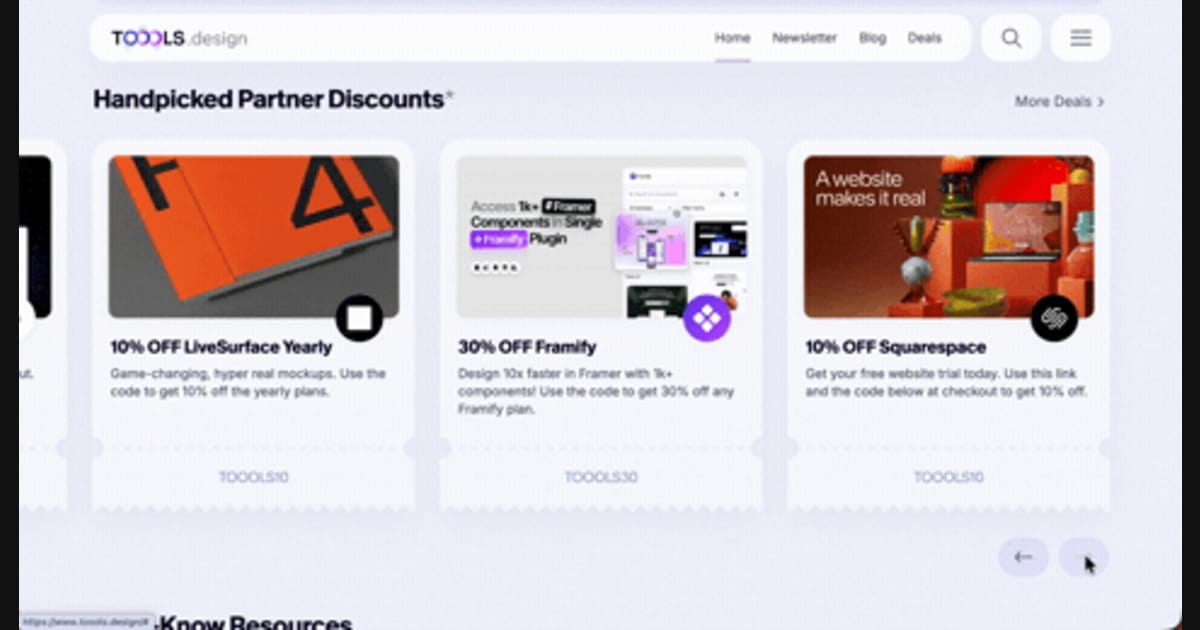
411. Ticket Carrousel
Users can browse a curated selection of offers by clicking pagination arrows, enabling efficient discovery and decision-making.

405. Ferrari Luce Website
This pattern describes a desktop web landing page, featuring a fixed navigation bar, footer, and interactive elements such as carousels, buttons, and hypertext links. It integrates animations, video, and anchor scrolling to create an engaging user experience. Notable behavior: Animation; Carrousel; Fixed on Scroll.
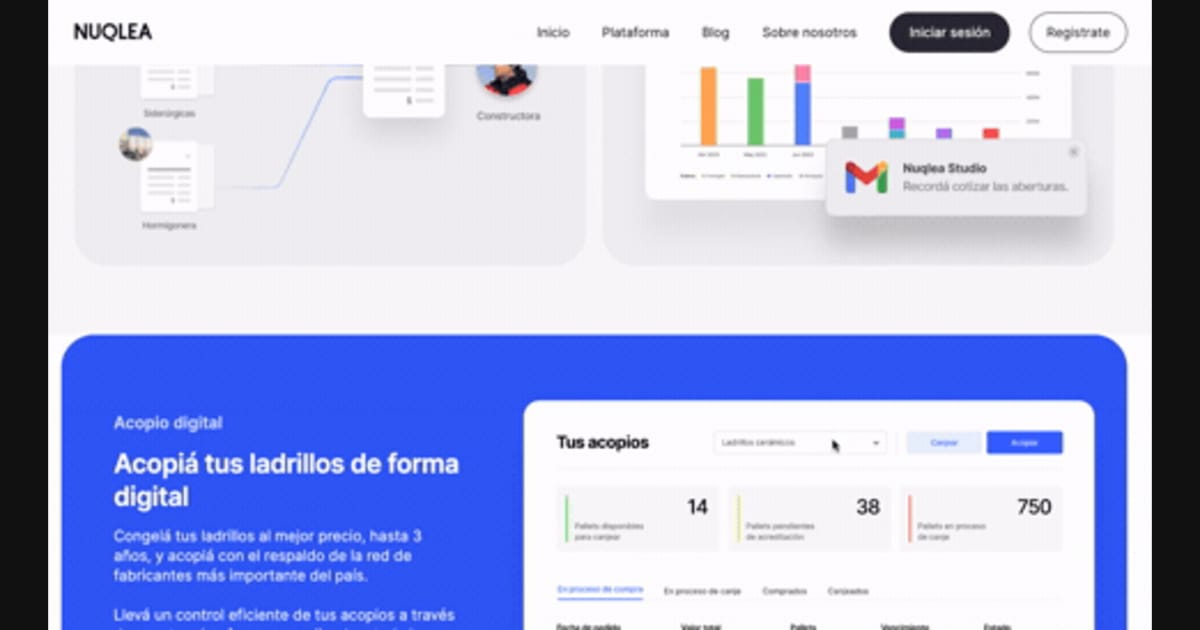
392. SaaS for Construction Workers
This pattern uses a dynamic carousel of images and text to showcase product features, engaging users with interactive content and clear calls to action.
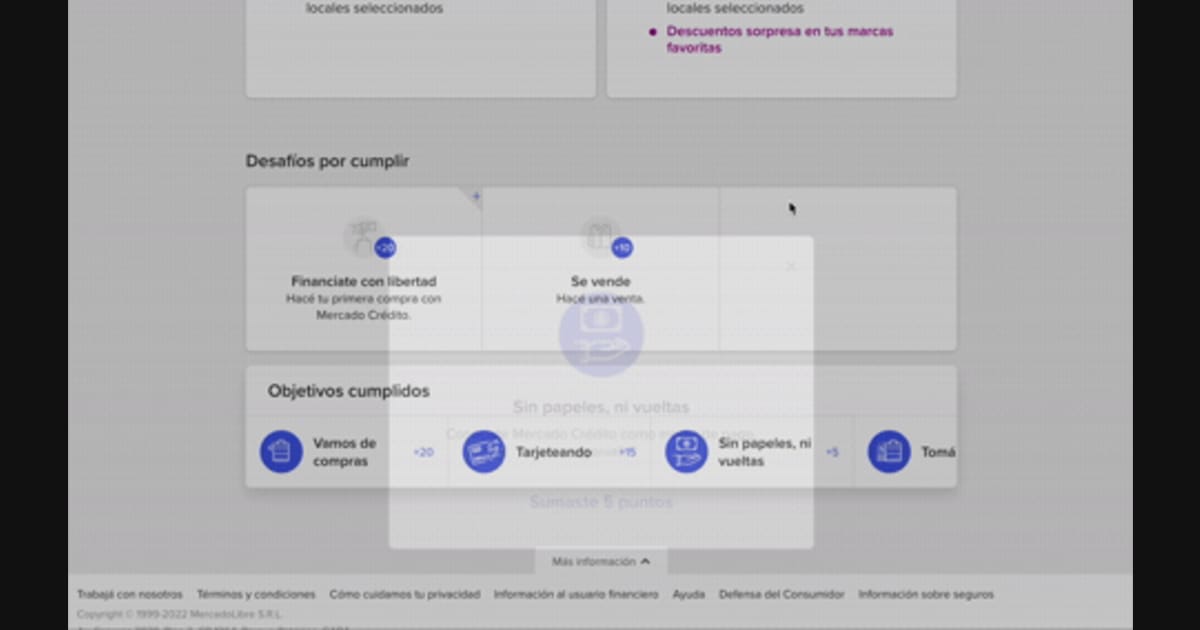
344. Horizontal Item Slider
This horizontal item slider allows users to effortlessly browse a curated selection of items, enhancing discoverability and engagement with minimal scrolling.
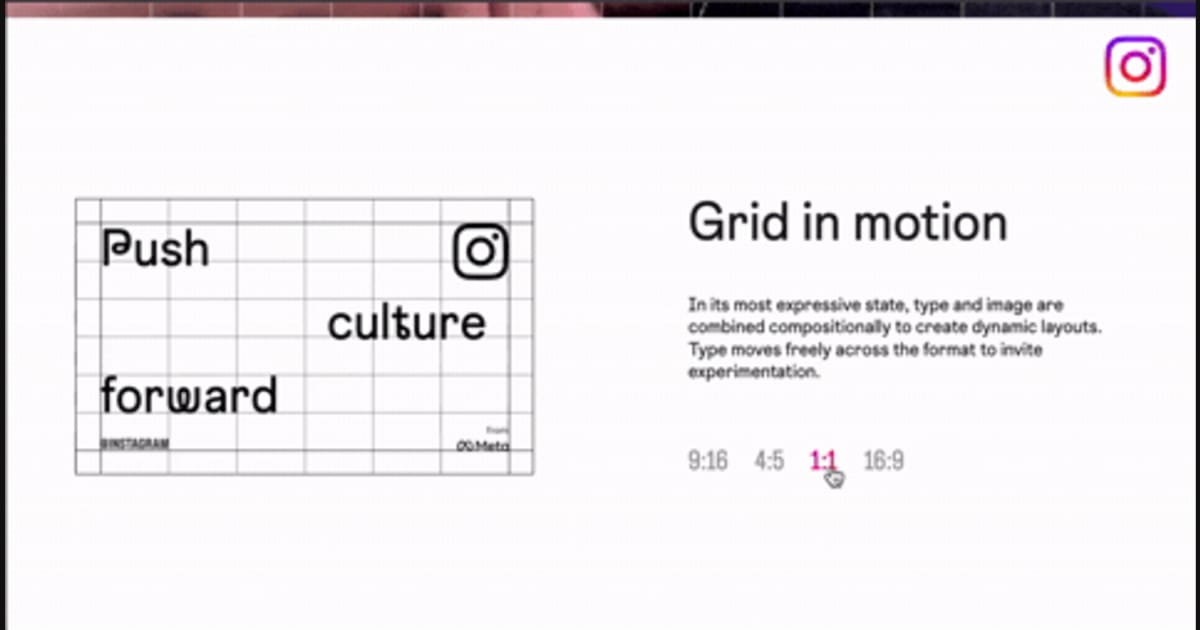
318. Animated Illustration with Menu
Users can dynamically adjust content aspect ratios via a clickable menu, providing flexible viewing experiences and enhancing content adaptability.
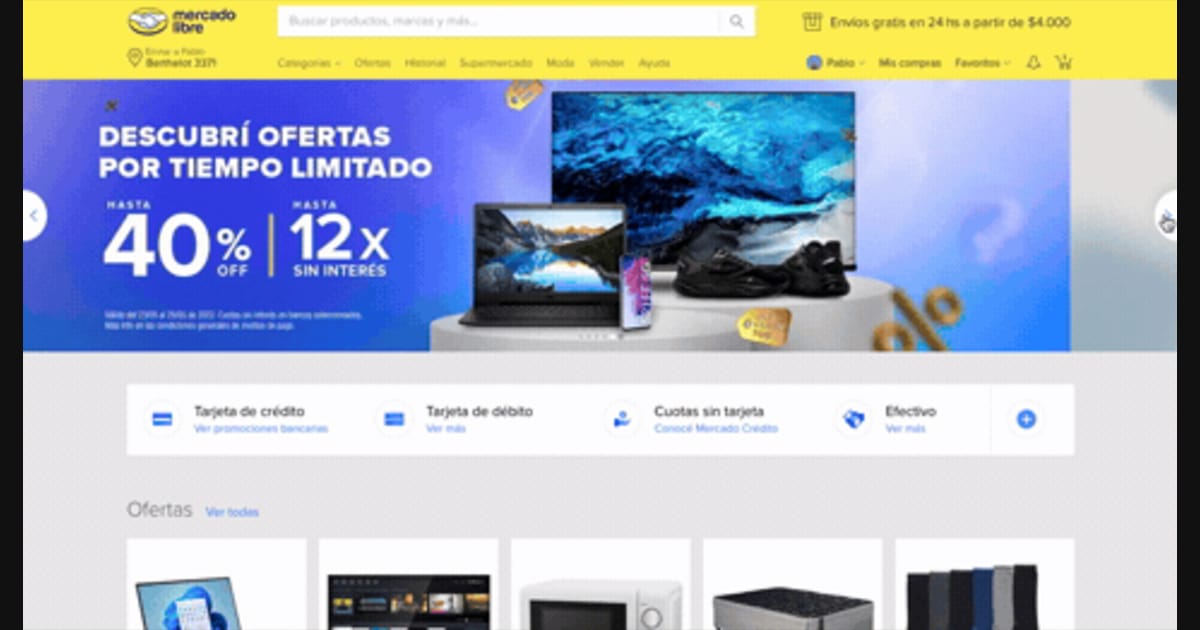
314. Hero Slider
Users can effortlessly browse featured promotions and products through a dynamic hero slider, enhancing awareness and guiding their pathfinding.
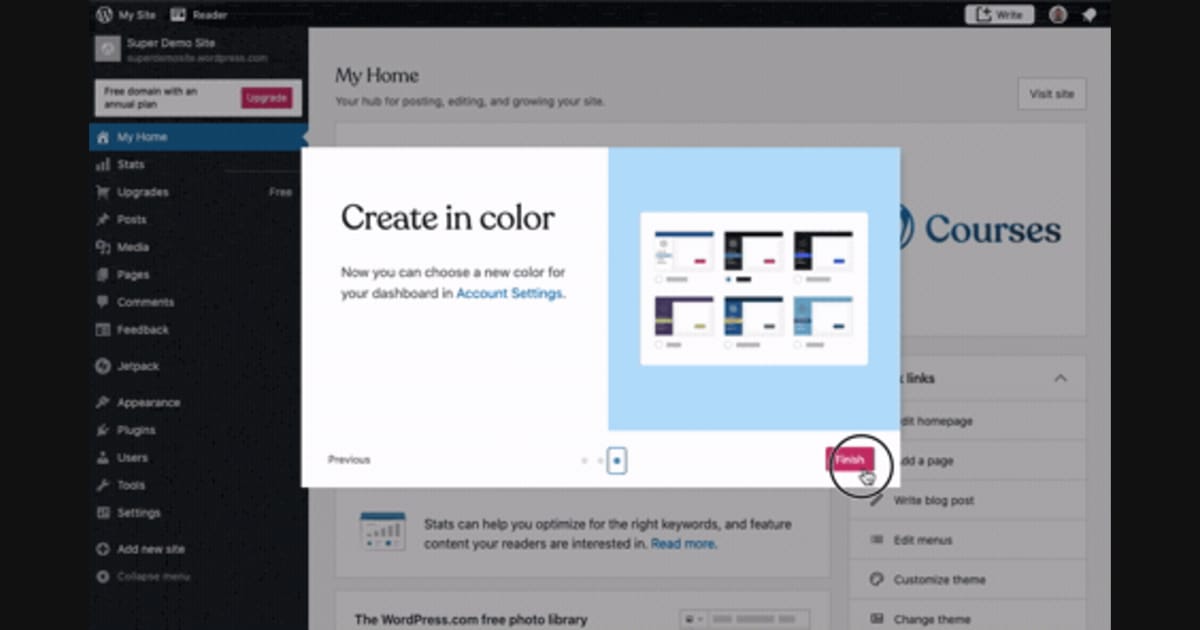
241. Modal Blackout w/ Steps
This multi-step modal guides users through key features with clear explanations and visual cues, ensuring a smooth onboarding experience.

Uink Digital Agency
Specilist on building and launching digital products. Let's talk!

114. News Swiper
This pattern allows users to effortlessly browse a carousel of news or definition cards, providing quick access to multiple content pieces with clear navigation.

148. Half-page Illustration Slider
This pattern uses a prominent, half-page illustration with a slider to visually guide users through key features or benefits during onboarding.