Patterns for Landing Pages
- Desktop (10)
- Tablet (0)
- Mobile (1)
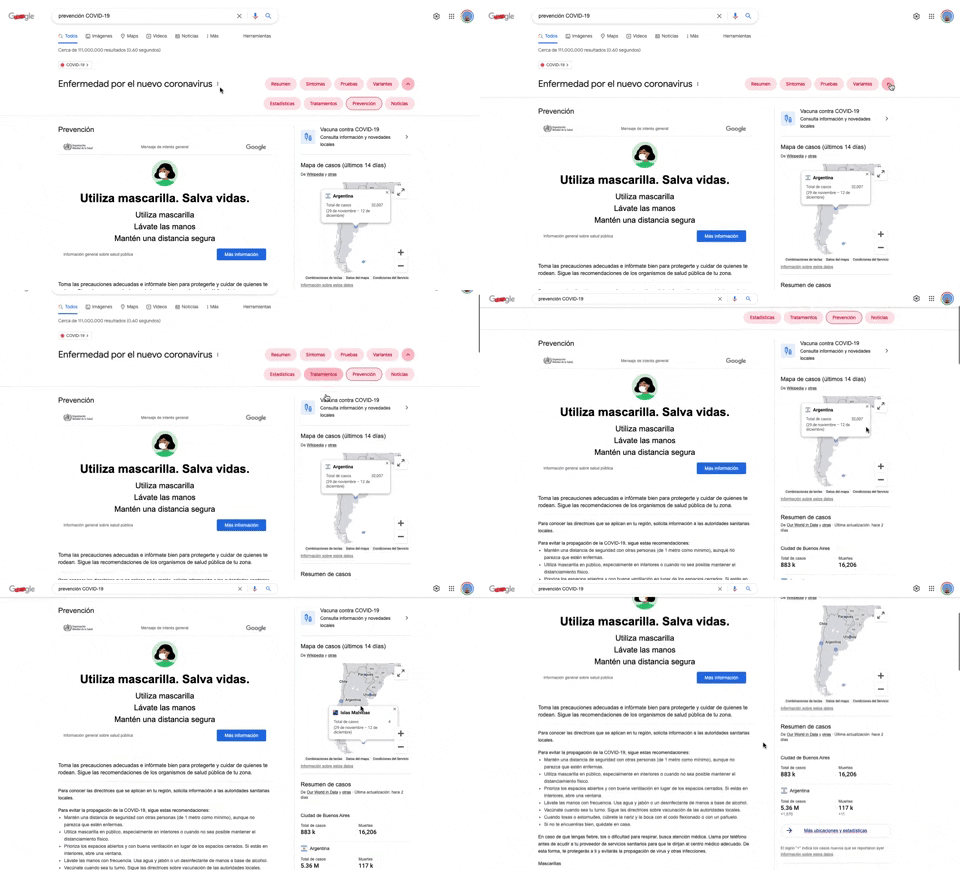
284. Emergency Information Map
This pattern provides users with critical, localized emergency information and actionable advice through an interactive map, enhancing awareness and guiding safe behavior.

405. Ferrari Luce Website (by LoveFrom)
This pattern describes a desktop web landing page, featuring a fixed navigation bar, footer, and interactive elements such as carousels, buttons, and hypertext links. It integrates animations, video, and anchor scrolling to create an engaging user experience. Notable behavior: Animation; Carrousel; Fixed on Scroll.

392. SaaS for Construction Workers
This pattern uses a dynamic carousel of images and text to showcase product features, engaging users with interactive content and clear calls to action.

390. Icon Software Landing Page
This landing page effectively guides users to download icon management software by showcasing its intuitive interface and customization features.
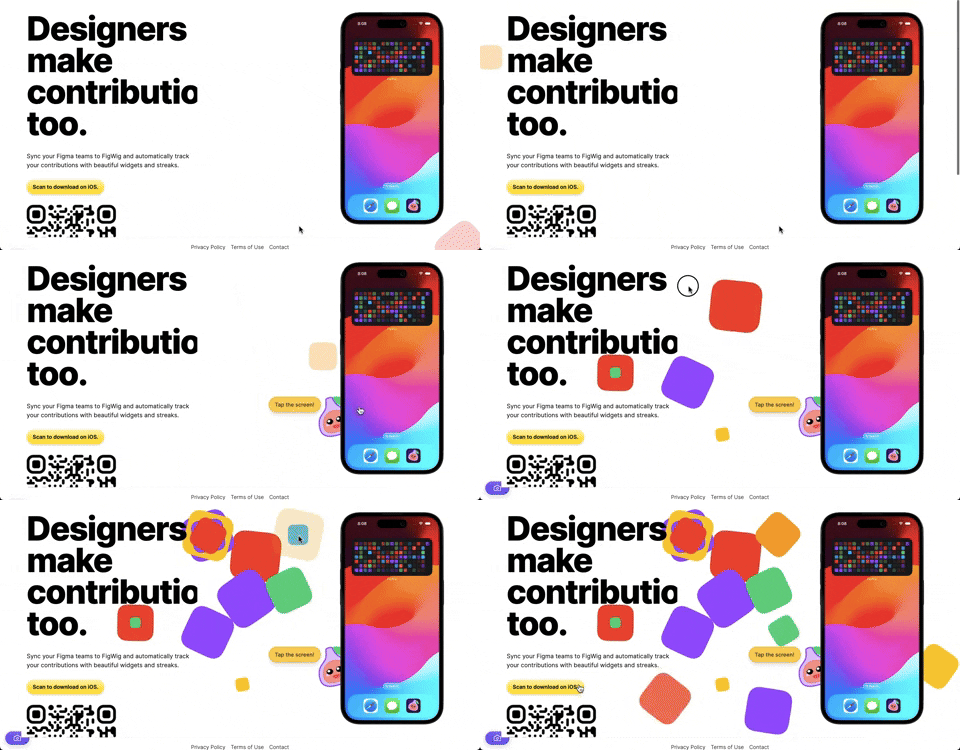
382. Interactive Background Animation
This pattern uses subtle, interactive background animations to engage users and provide dynamic visual feedback as they scroll or interact with the page.
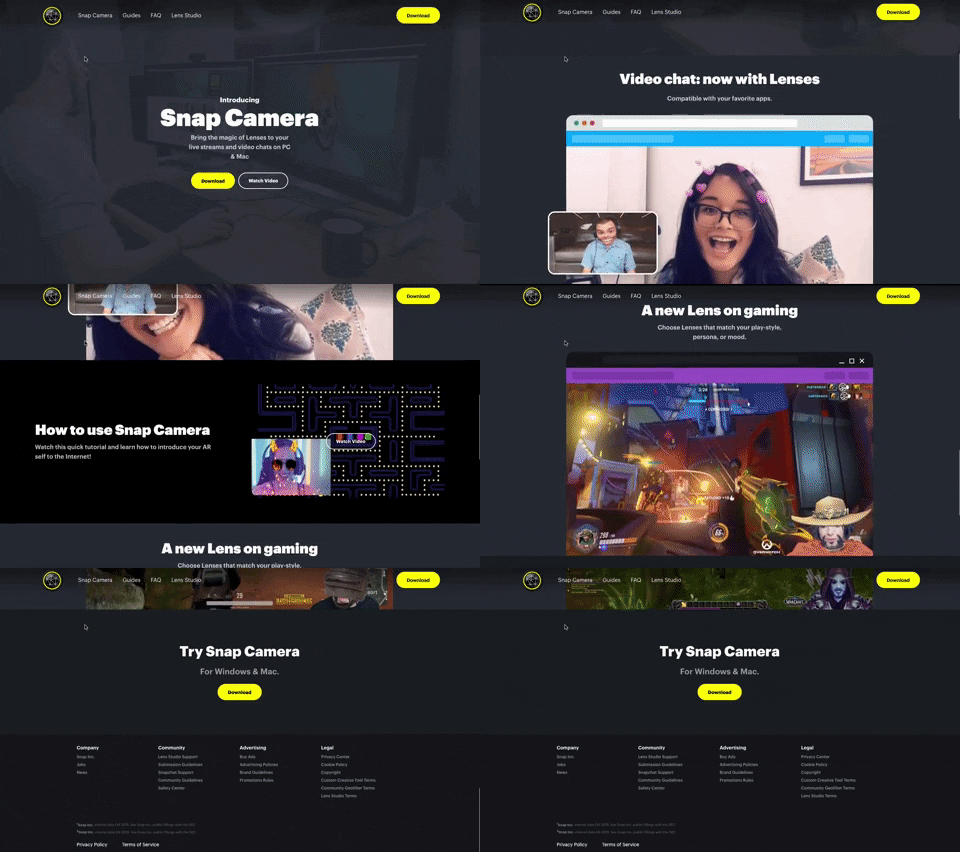
314. Snapchat - Snap Camera
A web landing page for the Snap Camera product, featuring a fixed navigation bar, interactive buttons, and animated video content to showcase its features and encourage user engagement. Notable behavior: Scrolling; Button Click; Fixed Header.
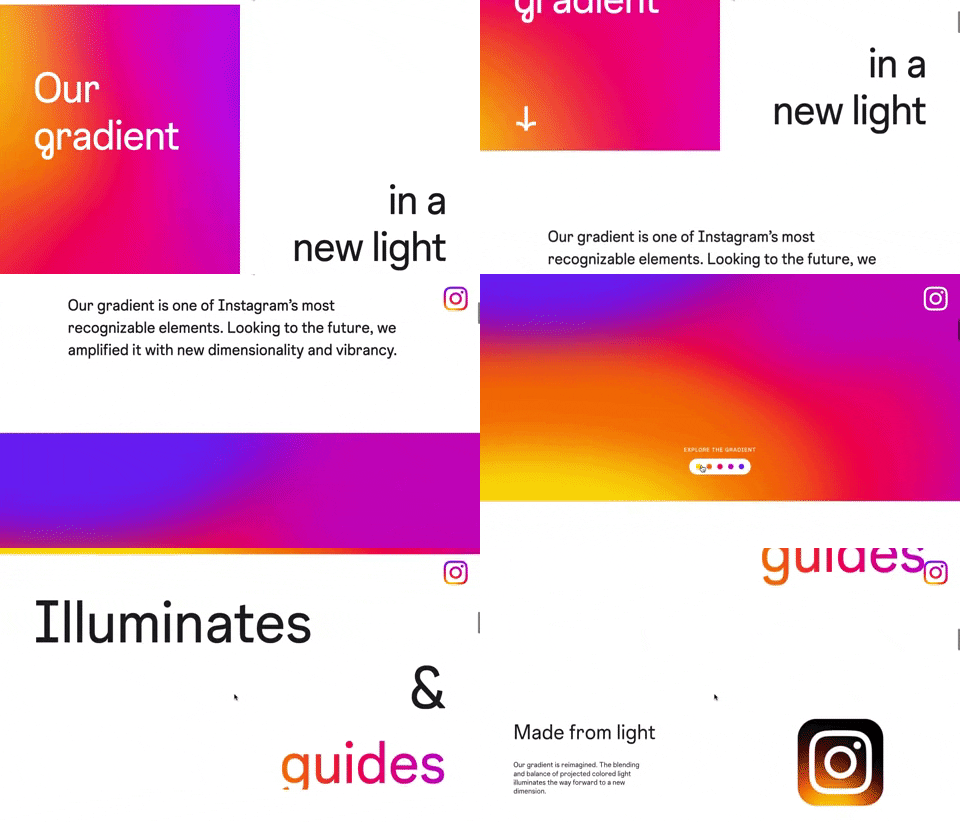
309. Instagram - Brand Gradient
This pattern uses a dynamic, animated brand gradient to visually engage users and highlight key messages as they scroll, enhancing brand recognition and content flow.

Uink Digital Agency
Specilist on building and launching digital products. Let's talk!
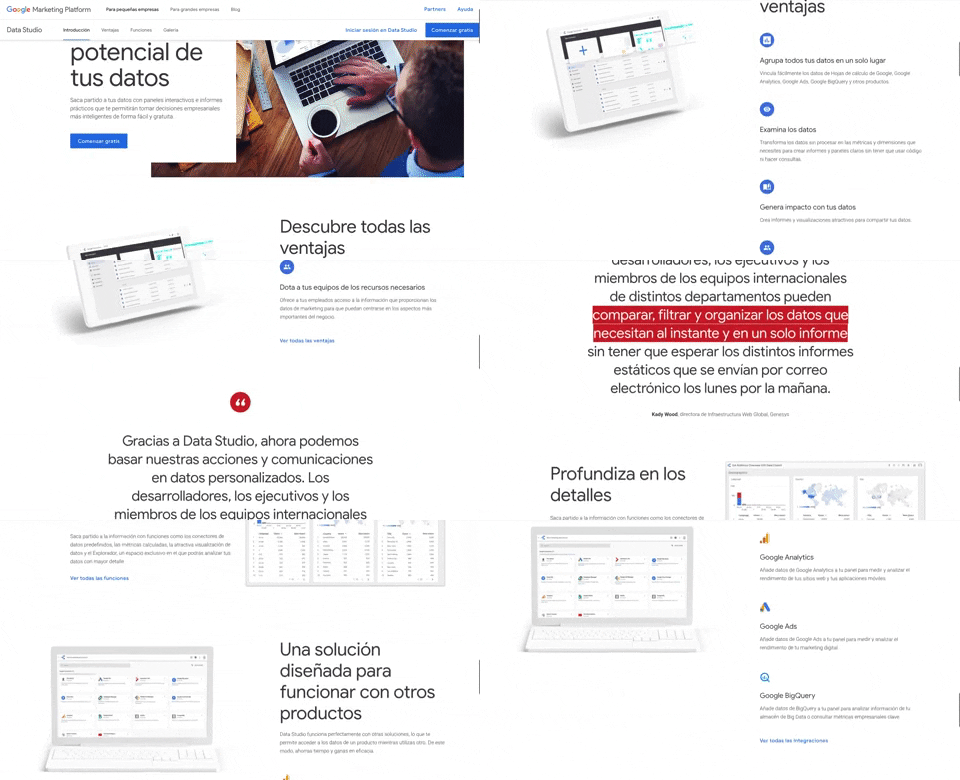
312. Google Data Studio
A fixed navigation bar ensures key actions like "Comenzar gratis" remain accessible as users scroll, improving discoverability and conversion.
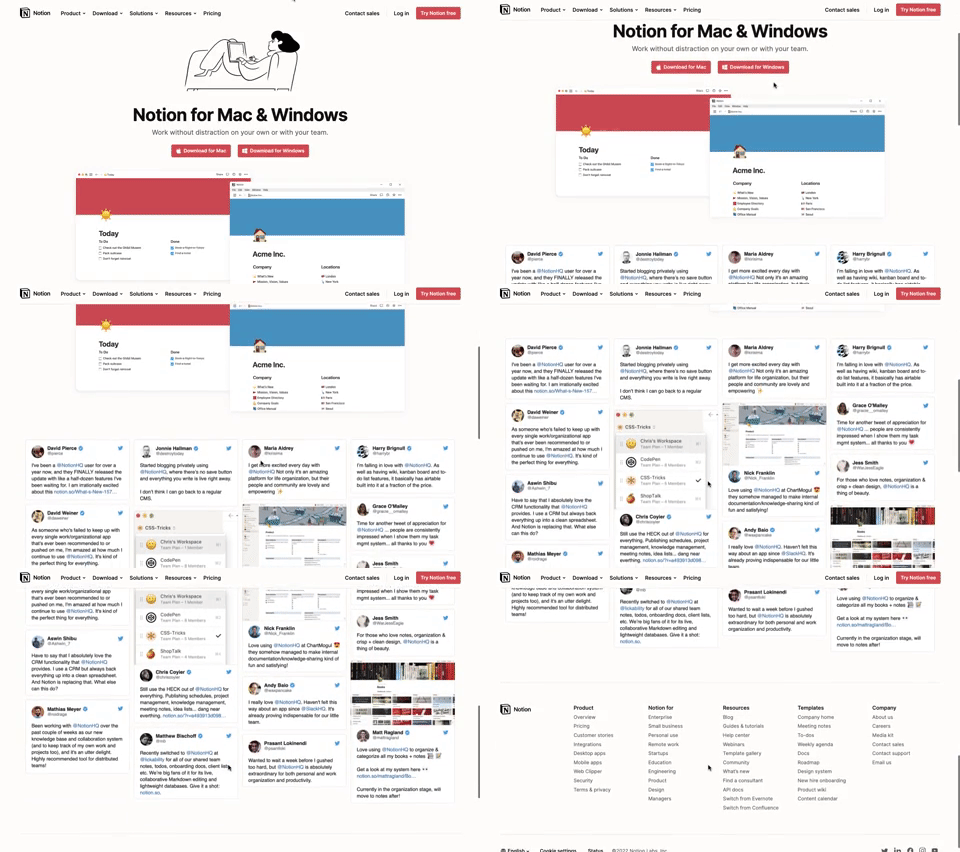
311. Landing Page for App Download
This landing page guides users to download the application for their specific operating system, simplifying the installation process.

203. Two-step Download Flow
This pattern offers users a clear, two-step download process, first presenting a prominent "Download" button and then a secondary, fixed-on-scroll button for consistent access.